STEM/STEAM
our team of researchers, media experts & educators helps students explore creativity through science, technology, engineering, art, and math— turning ideas into real art, learning, and action.
Building Engineers
FabMaker Studio is the first digital fabrication software tool developed specifically for use in the classroom. It is an easy-to-use, web-based program that invites students to experience STEM and STEAM learning in an engaging, personally meaningful way.
FabMaker Studio
FabMaker Studio
How do you encourage young STEM learning in a positive, creative way?
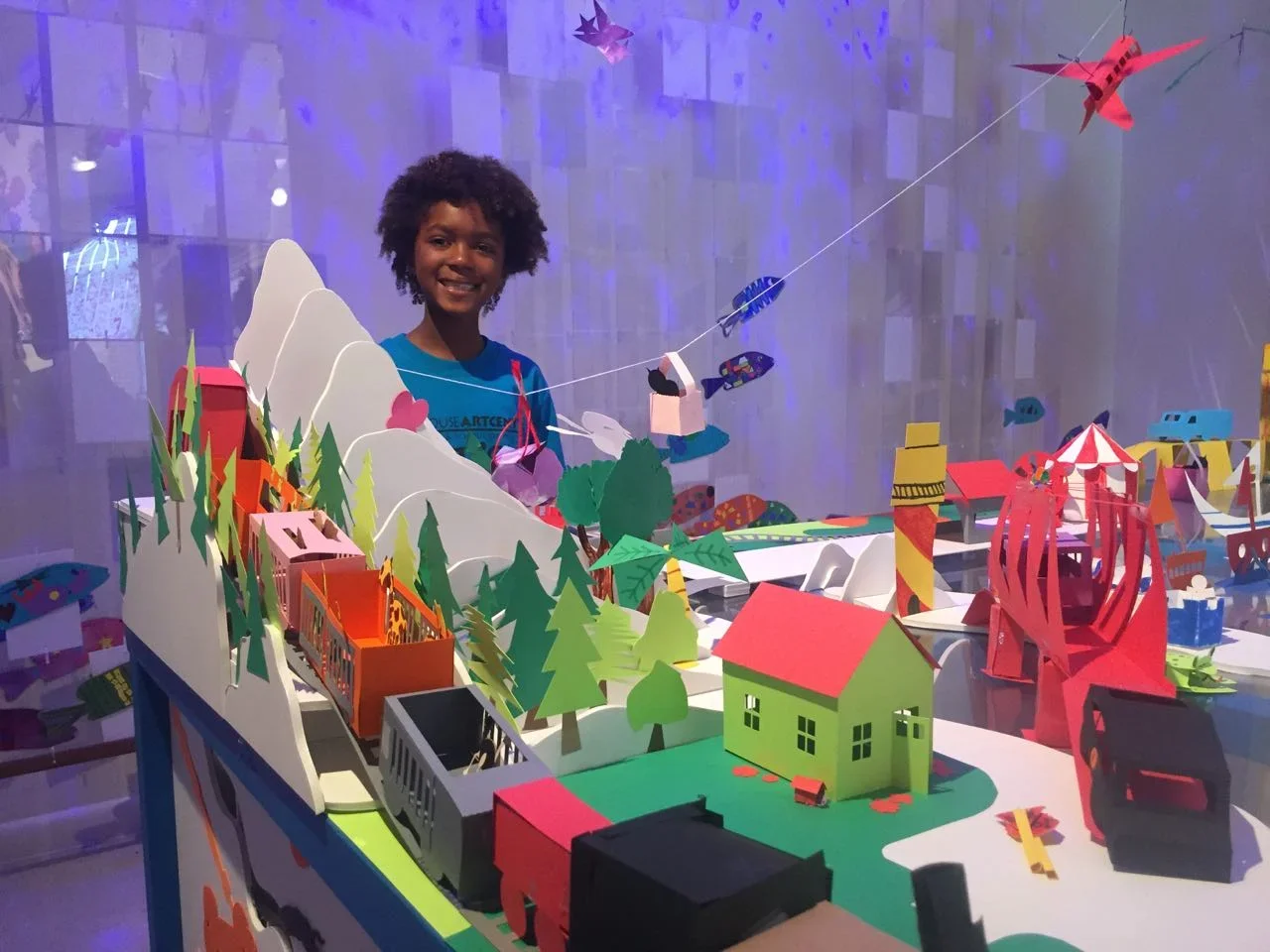
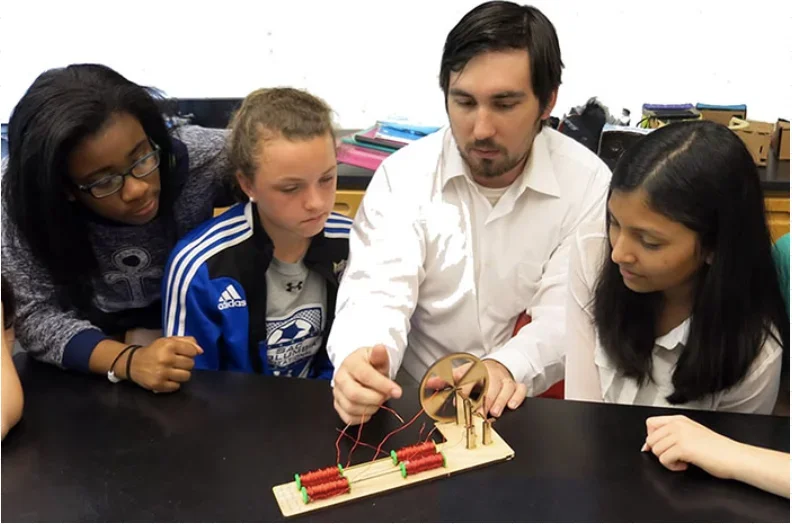
Envision a classroom where students are actually working as engineers—a classroom where students imagine, invent, design, test, and collaborate to solve compelling problems. Picture a classroom where creativity flourishes and making mistakes is part of the learning process, as students discover for themselves what works and what does not. And imagine a classroom where every student walks away from a lesson with a 2D cutout, pop-up, 3D model, or working machine they designed and created themselves. This is the FabClassroom, where the enthusiasm for learning is palpable.
As one student said, "You can actually do it...you can see it and you can understand it!"
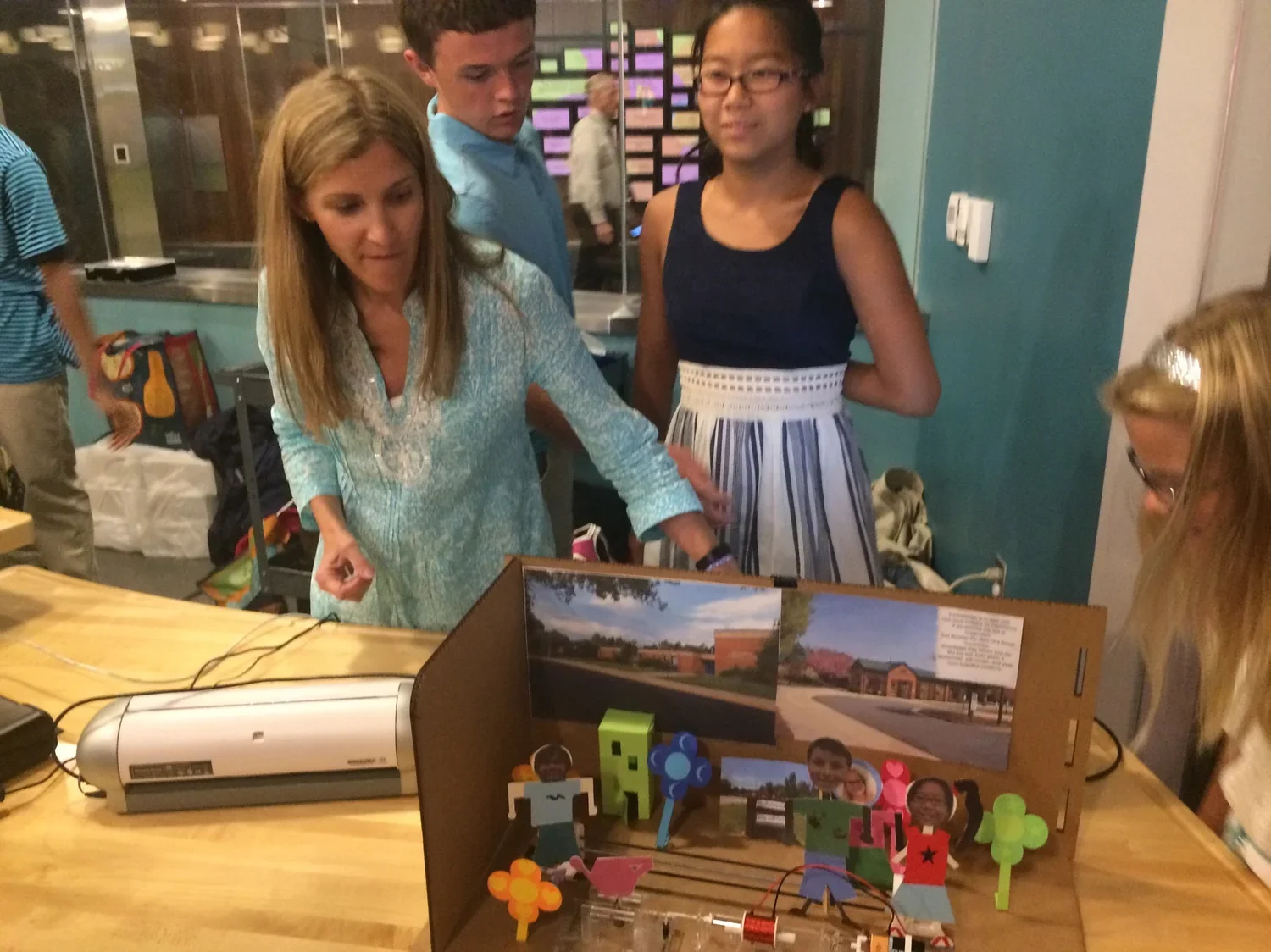
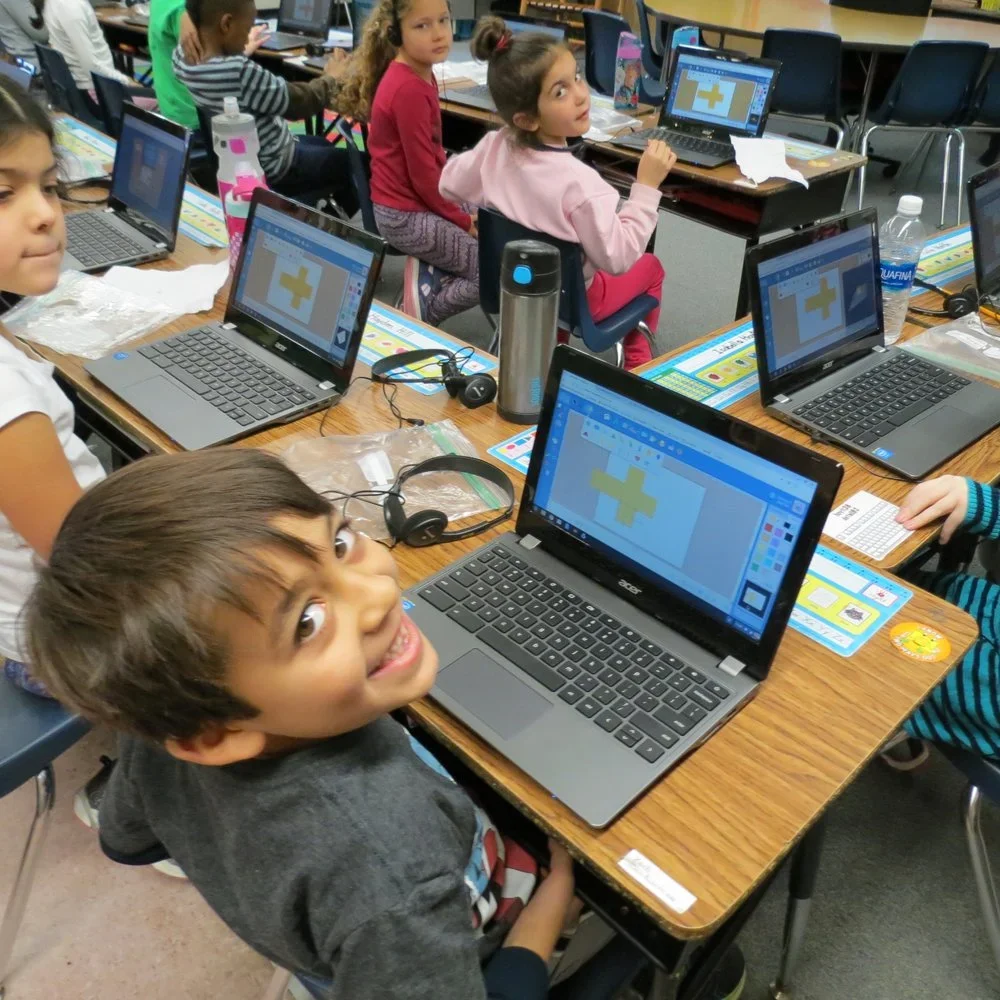
FabMaker Studio in Action!
As part of an international consortium of research and education partners led by Dr. Glen Bull and his team at the University of Virginia, The Reynolds Center Teaching, Learning & Creativity, in collaboration with noted educator and software designer, Dr. Peggy Healy Stearns, designed and developed FabMaker Studio.
FabMaker Studio is a web-based application that allows students to design and create in the classroom, library, makerspace, and even at home. Students use paper with either their regular classroom printer and scissors, or 2D and 3D digital fabricators, to construct a wide array of objects, including pop-ups, working machines, buildings, boxes and packaging, wind turbines, automata, paper airplanes, speakers, model skateboard parks, and more. As students take their concepts from mind's eye to physical form, they explore science, technology, engineering, and math through collaborative, hands-on projects. Students can start with Ready-Made projects and tutorials, and then dive right into a brand new project with the easy-to-use design interface.
Positive Results from the Classroom
In June 2018, STEM students in grades 1-5 in three school districts in Massachusetts participated in PEAR Institute Common Instrument Suite (CIS). This end of year survey is done through the PEAR Institute: Partnerships in Education and Resilience at Harvard Medical School and McLean Hospital, and measures students' interest and engagement towards Science, Technology, Engineering and Math (STEM).
“Overall, of the students that completed the CIS at Fab Schools in Spring/Summer 2018, 96.9% of students reported positive gains in STEM Interest and 82.1% in STEM Identity as a result of participating in their programming. Additionally, 84.6% of students reported positive gains in Relationships with Adults, 61.5% in Relationships with Peers, 87.2% in Perseverance, and 87.2% in Critical Thinking,” according to the report.
Turn any place into a MAKER Space!
See your students working as engineers.
Support your current standards and curriculum - from math, to science, to art!
Provide your students with an authentic application of content.
Stay on budget while completing projects within a class period
System requirements. Click here for details.

● animate
learn to animate: bring stories to life, one frame at a time.
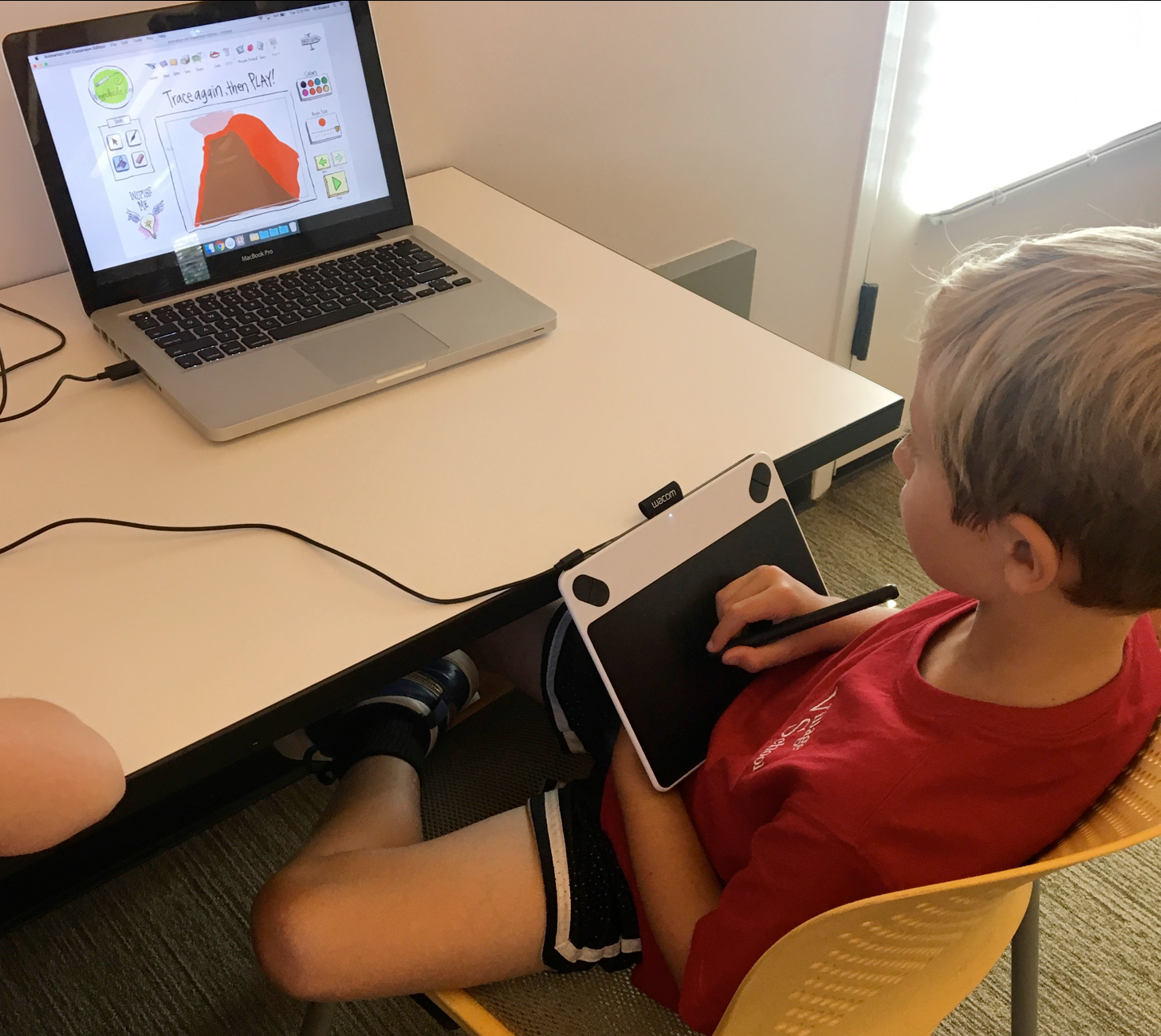
what it is: our web-based tool animation-ish empowers k–6 students to create animated stories, characters, and scenes, without needing prior experience or complex software. a simple, intuitive platform where students explore visual storytelling, sequencing, and creativity by animating ideas in a step-by-step, hands-on way.
who it’s for: k–6 learners developing creative expression, visual literacy, and critical thinking skills through storytelling and animation.
why it works: it’s accessible, engaging, and scaffolded to meet students where they are. students can start with just a wiggle-doodle, tracing a first drawing’s “onion skin” to build a simple animation that gives them the confidence to express themselves and experiment without fear of “mistakes.” designed by peter h. reynolds and featuring his unique artistic style, it’s easy for kids to latch onto and fall in love with after reading any of his books— especially the creatrilogy, and gain a deeper understanding of narrative and design concepts. teachers report higher engagement and improved comprehension when students animate concepts they’re learning.
Zoombinis School Edition and Zoombinis Clubs
Research-validated, game-based logic puzzle that reinforces Computational Thinking and Math
Classroom Experience: Zoombinis School Edition
Logic Puzzle Online Game with Educator Dashboard
Grades: 3-8 | Topics: Computational Thinking, Logic, Math
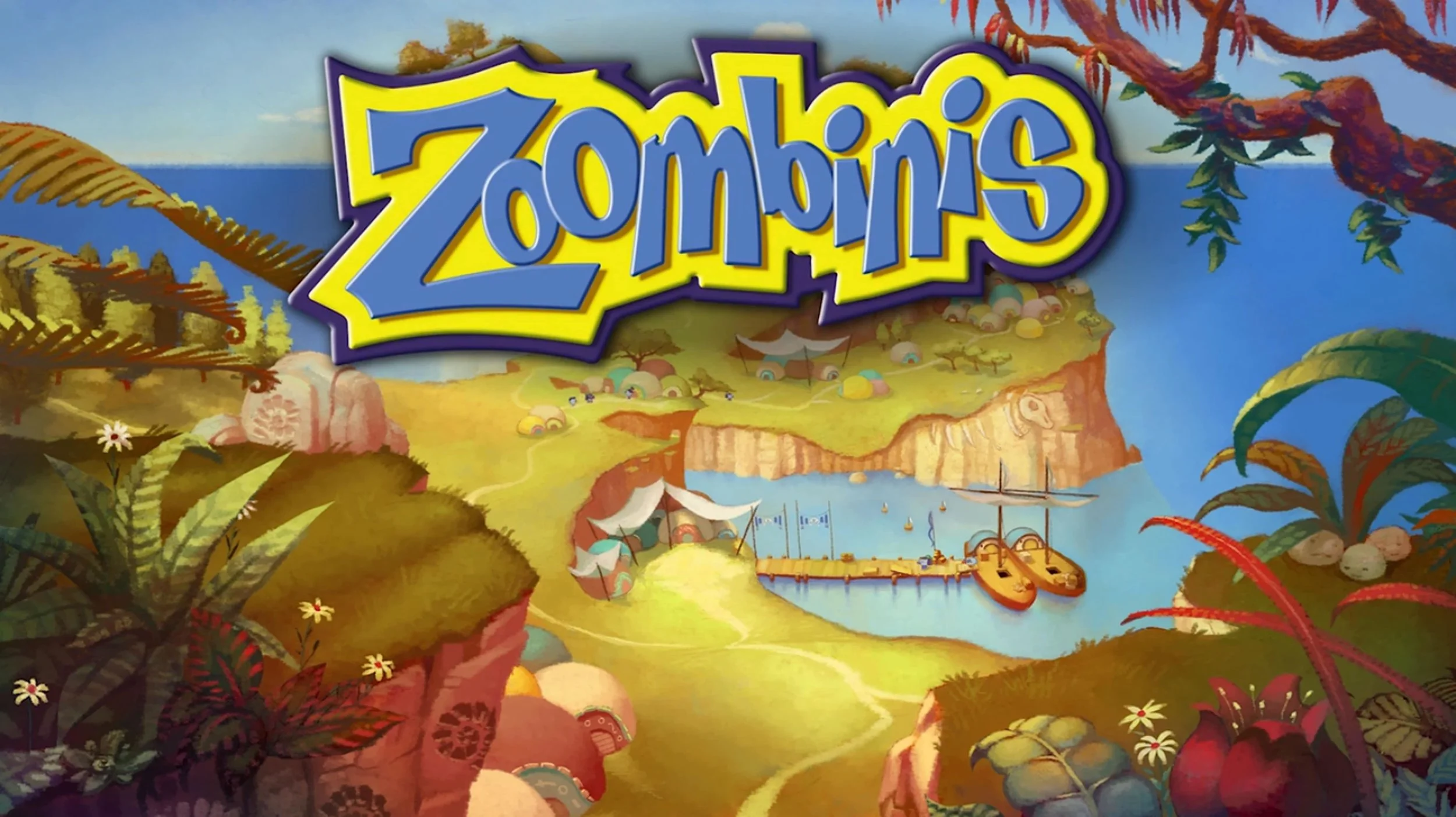
Help your students develop essential problem-solving skills with Zoombinis, an award-winning, research-validated online game designed to enhance computational thinking and logic skills through fun and interactive logic puzzles.
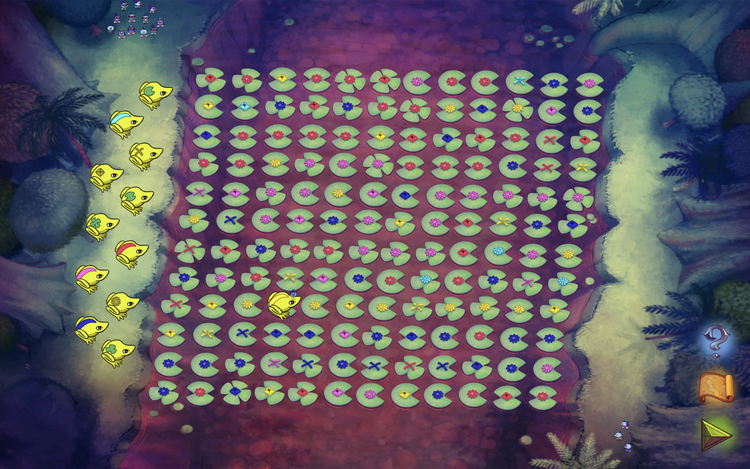
In this engaging adventure, students guide the lovable small blue creatures to safety in Zoombiniville, solving 12 challenging puzzles that strengthen critical thinking and reasoning.
Along the way, they’ll practice key skills such as:
Problem Decomposition – Breaking down complex challenges into manageable steps
Algebraic Thinking – Recognizing patterns and relationships
Data Analysis – Organizing and interpreting information
Tools for Educators
Zoombinis School Edition isn’t just a game—it’s a powerful learning tool for educators. Through the FableVision Games platform, educators receive comprehensive materials and classroom guides to integrate Zoombinis into their curriculum, along with the ability to track student progress and assess learning outcomes.
Home School
〰️
Public Libraries
〰️
Summer Camps
〰️
After School
〰️
Home School 〰️ Public Libraries 〰️ Summer Camps 〰️ After School 〰️
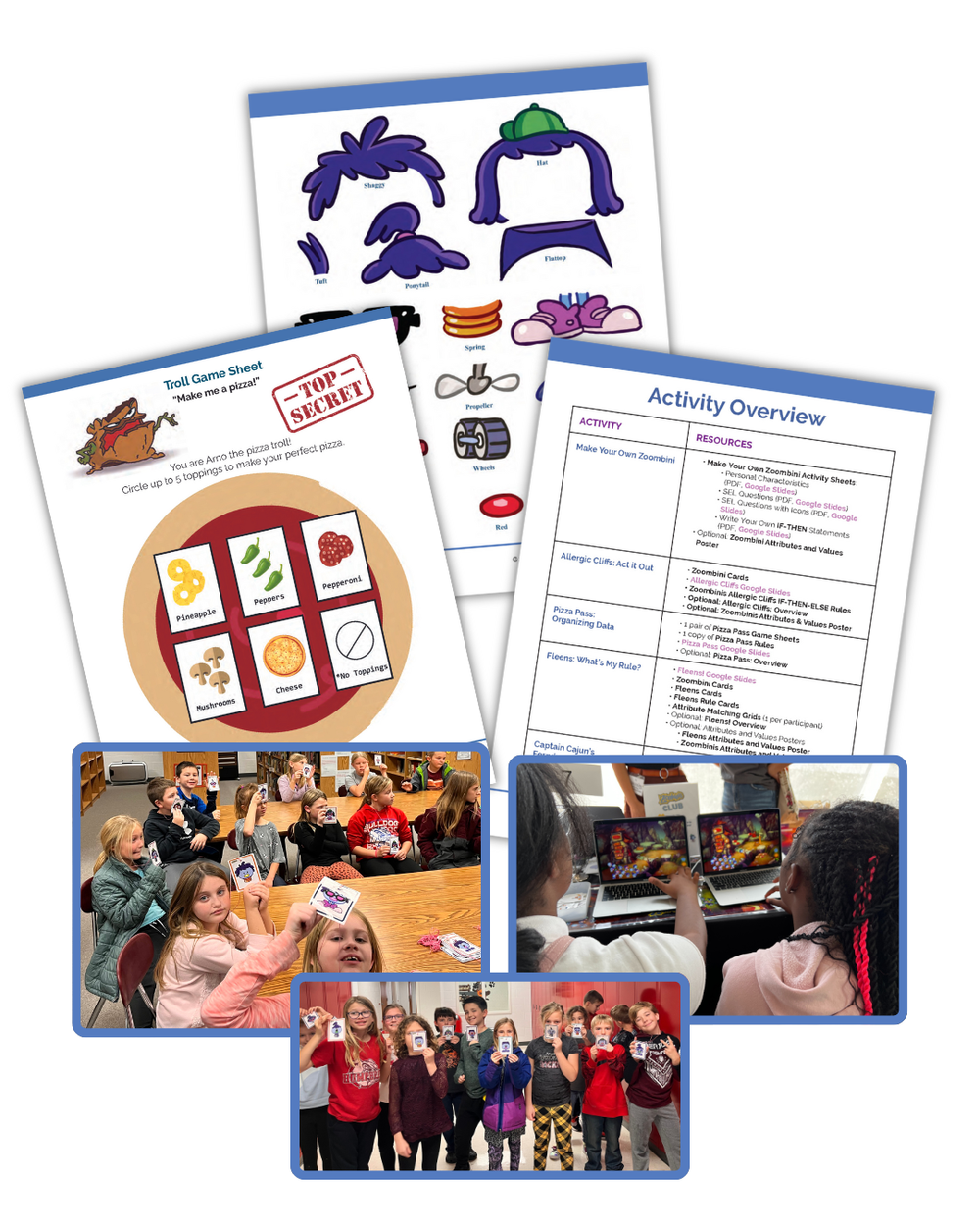
Zoombinis Club: What’s Included
5 easy-to-implement, offline, collaborative activities
10 hours of gameplay
Facilitator's guide
Downloadable/printable PDF resources
Google Slides presentations
Modifications for small and large groups
“How to Play” videos
“What is Computational Thinking” videos
OST/After School Experience
Zoombinis Club
Offline, hands-on activities designed for afterschool programs, summer camps, libraries, & informal learning spaces
Grades: 3-8 | Topics: Computational Thinking, Logic, Math
Zoombinis Club is a series of hands-on activities designed for informal learning spaces to promote the joy of learning through play. By acting out puzzles from the award-winning, researched-based Zoombinis game.
Designed to enhance the gameplay experience, Zoombinis Club is an accompaniment to Zoombinis School Edition.